Best AI Tools for Presentations and Slide Decks
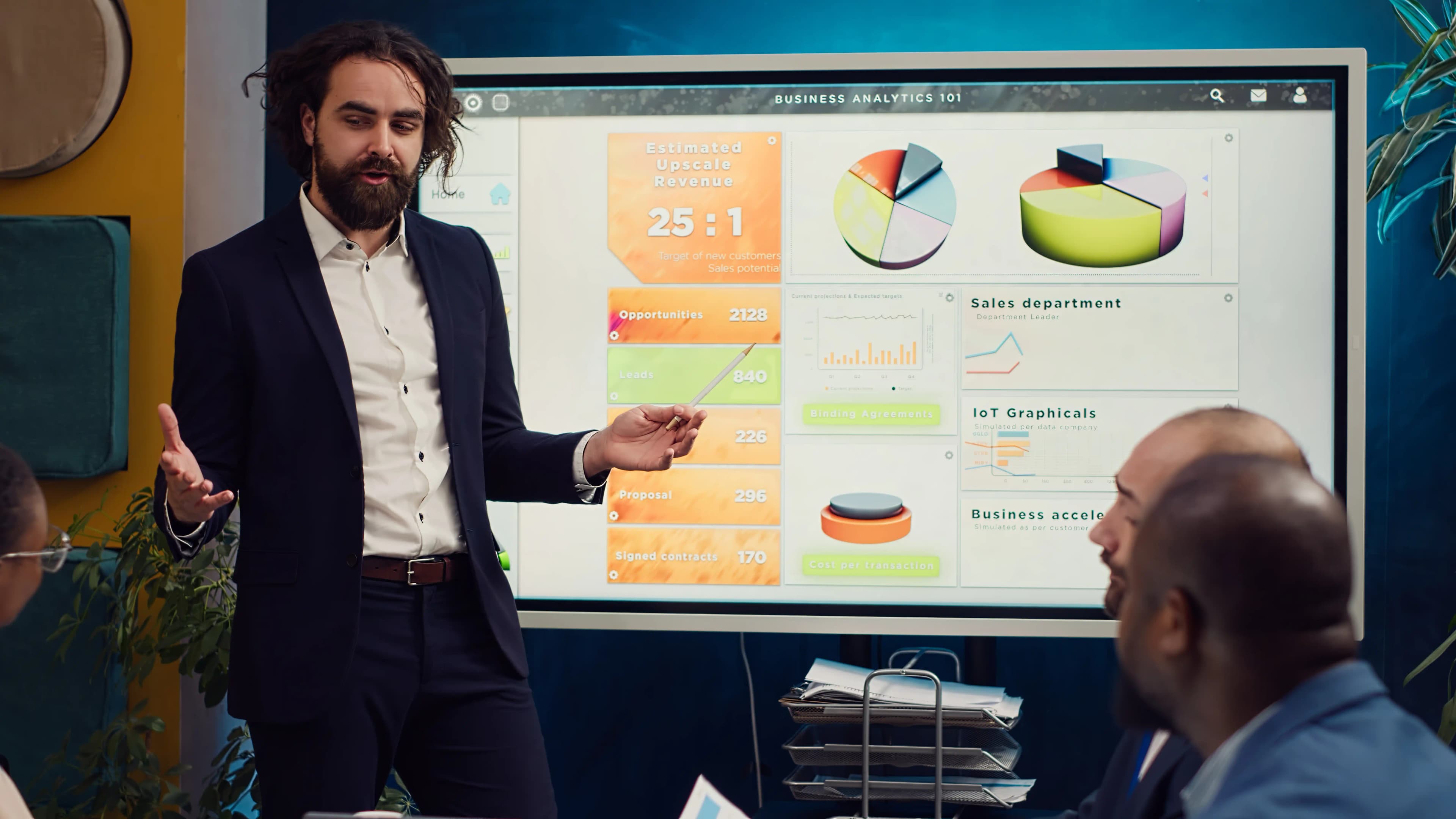
Building a deck the old way means picking a template, fighting alignment on every slide, and still ending up with something that looks like every other template-based deck in the room. AI presentation tools skip most of that you describe what the deck needs to say, and the layout, structure, and design largely happen for you. Here's what's actually worth using, and what each is genuinely built for.
1. Canva — best all-round pick, not just presentations
Canva is the obvious starting point if presentations are only part of what you need its Magic Studio AI covers text-to-image, background removal, and design generation well beyond just slides, backed by a huge template library and a genuinely usable free tier. The trade-off worth knowing before you commit: the best AI-powered features sit behind Canva Pro, which runs about $15/month once you're using them regularly.
Best for: anyone who wants one tool for presentations, social graphics, and general design, not a presentation-only tool.
2. Gamma — best for generating a deck from a prompt
Gamma is built specifically around one thing: turning a prompt into a full, structured presentation, rather than starting from a blank template and building slide by slide. If the actual bottleneck is getting from "here's what I need to say" to a working first draft of the deck, this is the fastest path there. It's freemium, with real cost landing around $10/month once you're past the free tier.
Best for: getting a full first-draft deck out of a rough outline or a paragraph of notes, fast.
3. Beautiful.ai : best for decks that stay clean automatically
Beautiful.ai's pitch is in its name: it applies design rules automatically as you add and edit content, so spacing and alignment stay consistent without you manually fixing it slide by slide the way you would in a normal editor. It's a paid tool, with real cost around $12/month, and it's the right pick when consistent, presentable design matters more than speed of first draft.
Best for: decks that need to look polished and stay that way through edits, without you babysitting the layout.
Which one should you actually use?
You need one tool for presentations and general design work: Canva.
You have rough notes and want a full deck generated fast: Gamma.
Design consistency matters and you're editing the deck a lot: Beautiful.ai.
All three have either a free tier or a low enough entry price to try before committing worth testing with your actual next deck rather than guessing from a features list.
Want to see them side by side? Compare Canva, Gamma, and Beautiful.ai directly, or describe the deck you're building and let AI Match point you to the right one.
Keep reading
- Best Free AI Tools for Small Business Owners on a BudgetRunning a small business means every subscription has to earn its place. The good news is that most of the AI tools worth using have a genuinely usable free tier
- 7 "Free" AI Tools That Aren't Actually Free"Freemium" is doing a lot of quiet work on most AI tool pricing pages. Technically, yes, you can sign up and use these tools for nothing.
- Midjourney vs DALL·E 3: Which Makes Better Images in 2026?These two get compared constantly, but they're not really built for the same job. DALL·E 3 lives inside ChatGPT and is about convenience describe what you want in plain language, get an image, keep editing it in the same conversation.
Or skip the reading: browse every AI tool, pick a category, or put two head to head.